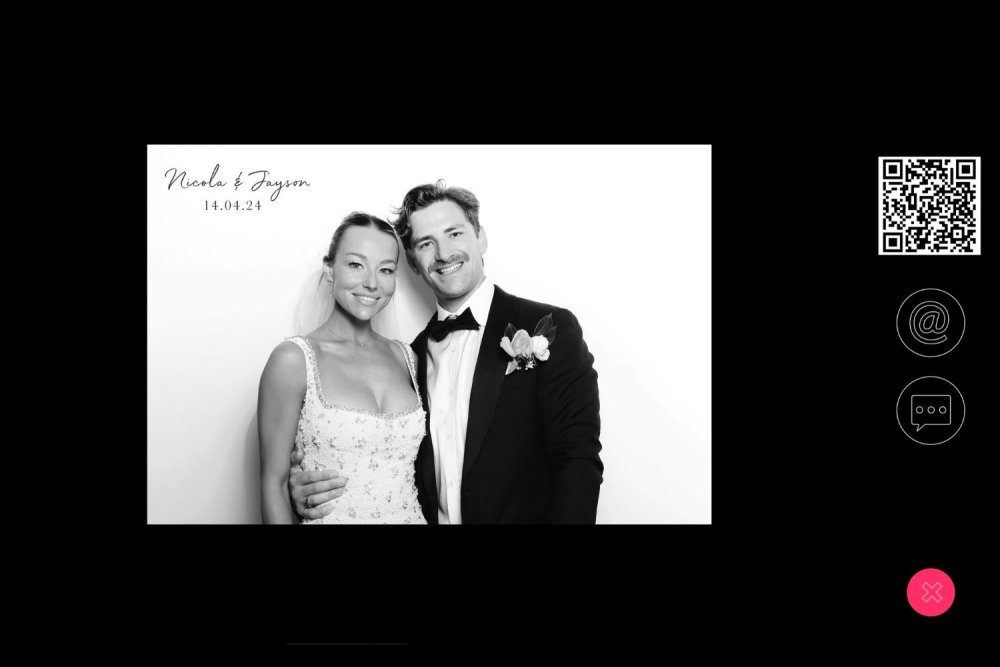
QR Code Sharing with Remote Pro and Breeze Cloud allows guests to quickly receive their photos without needing to enter contact details at the booth. Each user scans a QR code at the start of their session, which creates a unique sharing link associated with that guest. When their photos are taken, Breeze Remote Pro automatically uploads the images to Breeze Cloud and links them to that QR code session. Guests can then scan their code again to instantly access their photos via a private link, ensuring that only they can view their images, making sharing fast, simple, and contactless.
Breeze Cloud has a dedicated User Guide:
•Breeze Cloud Account Sign Up (free)
•Breeze Cloud User Guide